The Free Grocery List App Built for ADHD Brains
ADHD groceries, one fast trip, zero forgotten ingredients.
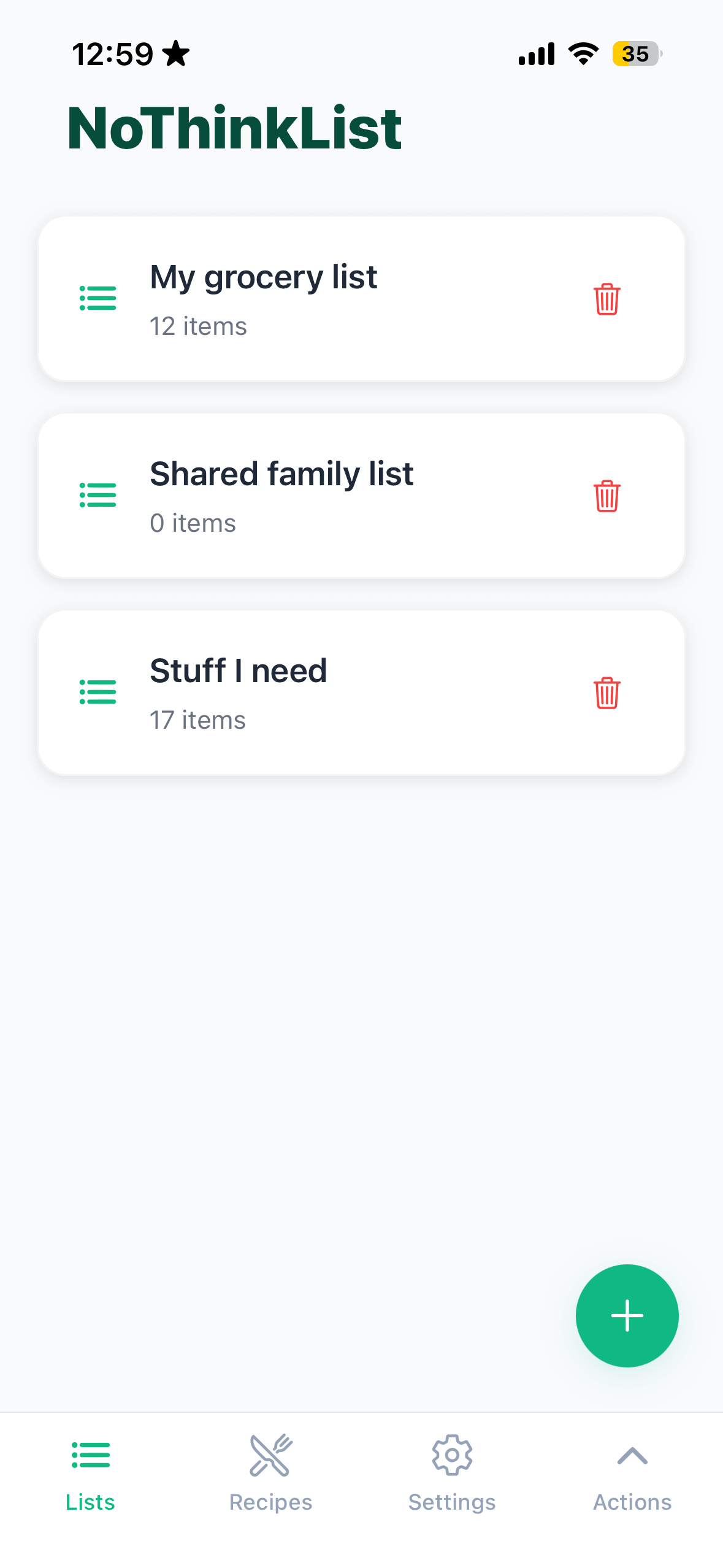
NoThinkList is the free grocery list app for ADHD and busy families. Paste a recipe URL and your list builds itself. Pick your store and items sort by aisle automatically. Walk out with everything, most trips in under 20 minutes.
How NoThinkList Makes Grocery Shopping Effortless
Most grocery apps give you another system to manage.
NoThinkList quietly turns your random "we're out of this" moments and saved recipes into one clean, aisle-organized list you can actually follow.
AI Grocery List Sorted by Store Aisle
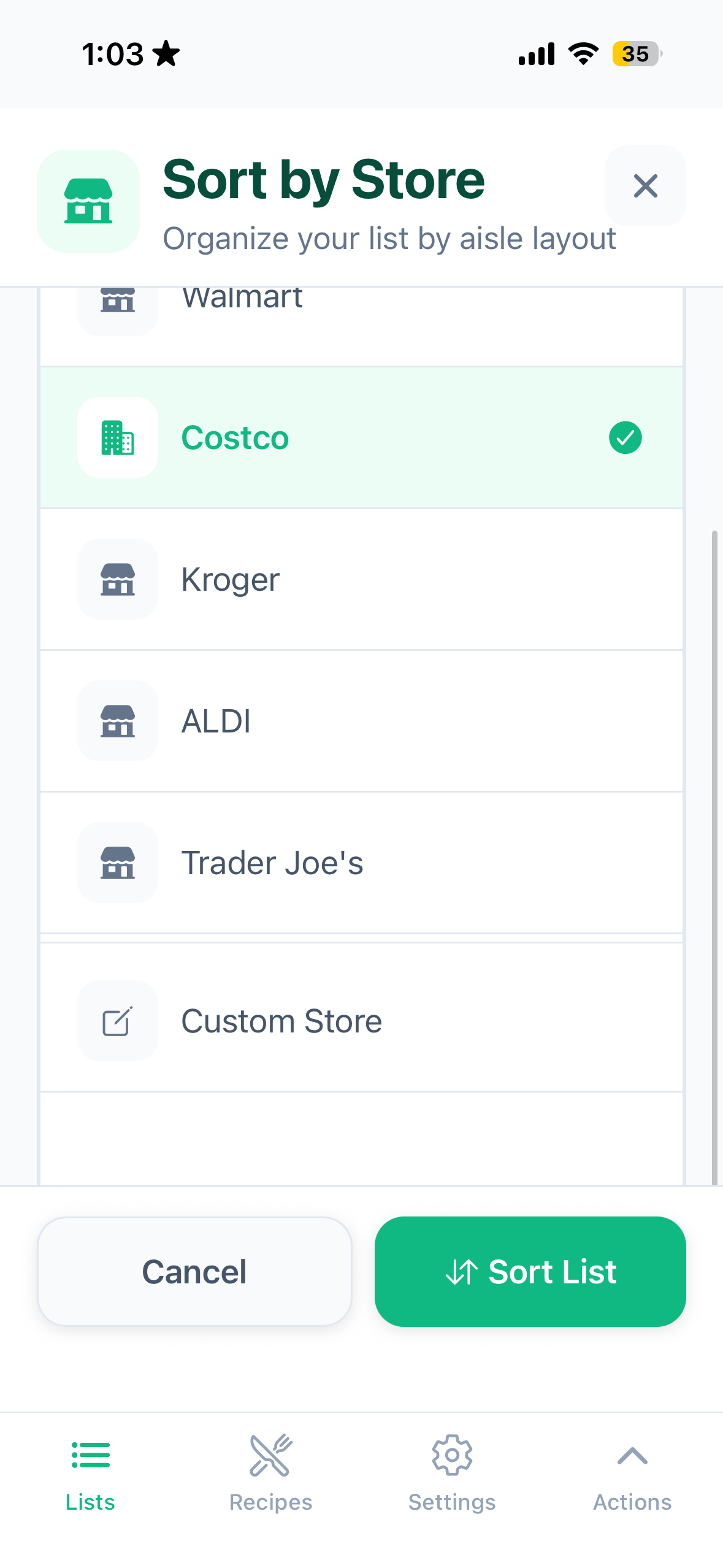
Pick your store. AI re-orders your list to match that store's layout. Walmart, Costco, Aldi, Target, Kroger, H-E-B, and more. No more backtracking.
Import Any Recipe to Your Grocery List Instantly
Paste a link to any recipe. We grab the ingredients and put them on your list instantly. Or take a photo of a handwritten recipe and we'll read it for you.
Import Handwritten Recipes & Lists with Your Camera
Snap a photo of a handwritten list and we'll import everything automatically. No more transcribing notes. Just point your camera and go.
Real-Time Shared Grocery List for Families & Roommates
Share a list with your partner, family, or roommates via share code. Everyone sees updates in real time. No duplicate buys, no "I thought you got that."
Features that actually lower your mental load
Save Recipes
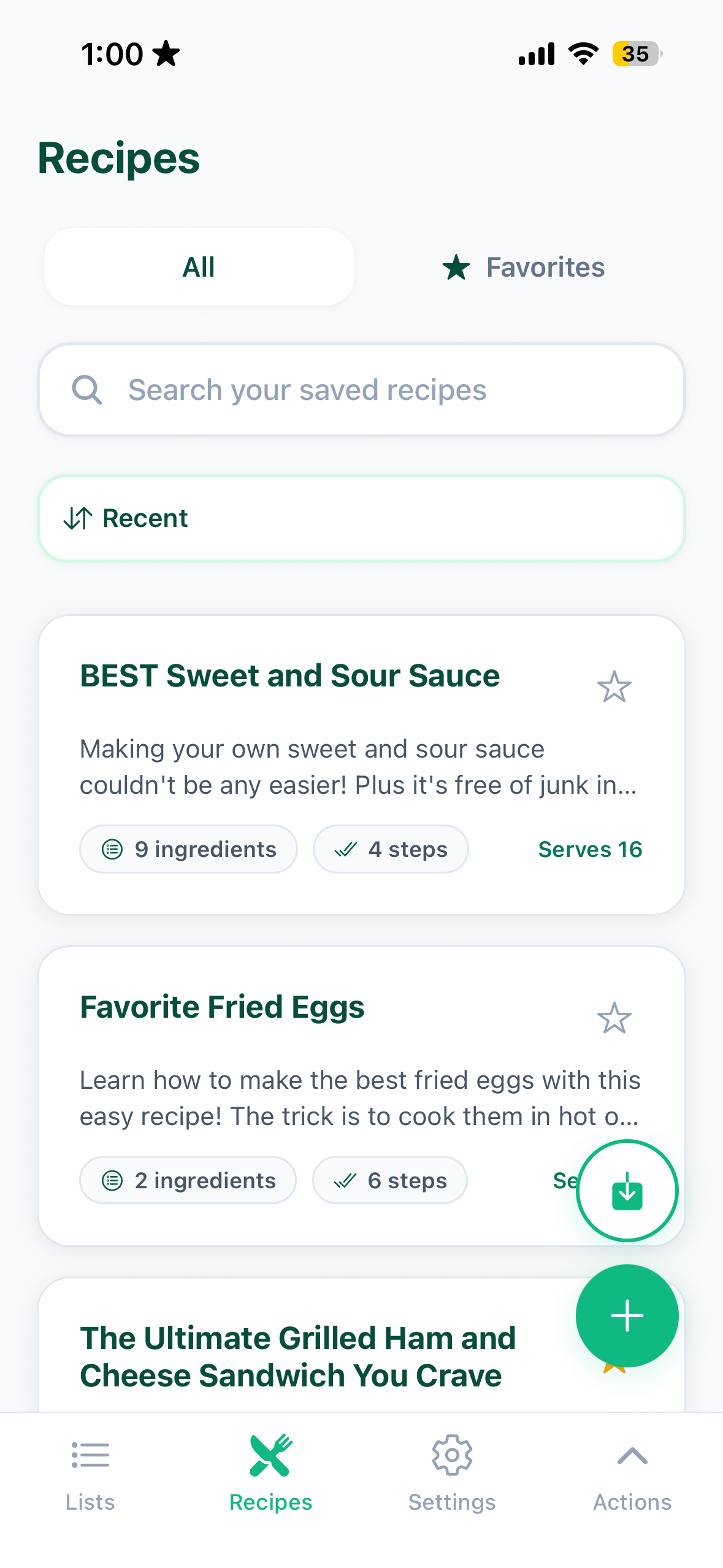
Paste a link from any recipe site and we pull the ingredients automatically. Snap a photo of a recipe card or screenshot and we'll read it. Or add recipes manually. Save them to your collection and use them anytime. Scale servings and ingredients recalculate instantly.
One-Tap Grocery List
Open any saved recipe and tap "Add to List." Everything goes on your grocery list immediately. Planning meals for the week? Add multiple recipes and NoThinkList merges duplicates and keeps quantities correct. One list, no chaos.
Grocery List Sorted by Aisle — Walmart, Target, Costco, Kroger & More
Items organized by your store's actual aisle order: Walmart, Aldi, Costco, Target, Kroger, H-E-B, and more. Shop in order, not chaos. No more backtracking for the one thing you missed.
ADHD-Friendly Grocery App — Simple, Fast, Low Overwhelm
Big buttons, simple screens, minimal steps. Swipe right to check an item. Swipe left to delete. Built for brains that get easily overwhelmed. If it feels like extra work instead of less work, we consider that a bug.
NoThinkList App Screenshots
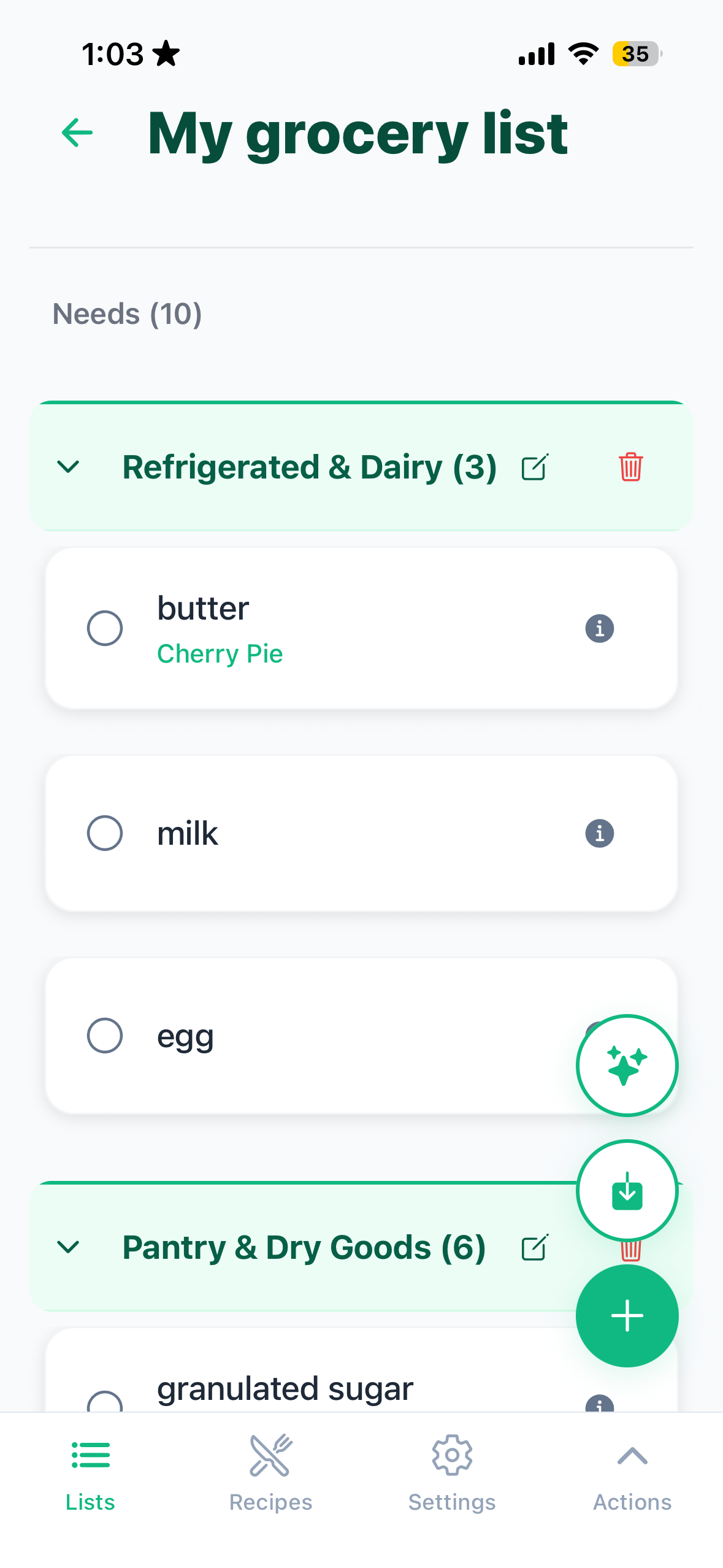
Clean, simple, and built for how your brain actually works.
How NoThinkList works in 3 simple steps
Build your list
- Add items manually or paste any recipe URL.
- Snap a photo of a handwritten list or recipe card.
- Speak your items and the app extracts them for you.
Add recipes to your list
- Open any saved recipe and tap "Add to List."
- Add multiple recipes. Duplicates are merged automatically.
- One clean list, ready to go.
Shop with confidence
- Sort by your store's aisle layout with one tap.
- Check items off as you go. Share live with family.
- Walk out with everything. Nothing more, nothing less.
NoThinkList vs. Other Grocery List Apps — Feature Comparison
See what makes us different